Marketing · for owners & managers
roomZy
Marketing
The Marketing screen
Marketing is where you create the offers that show up on your booking page — discount codes today, with memberships, gift cards, and points managed nearby.
Open Marketing from the left menu.
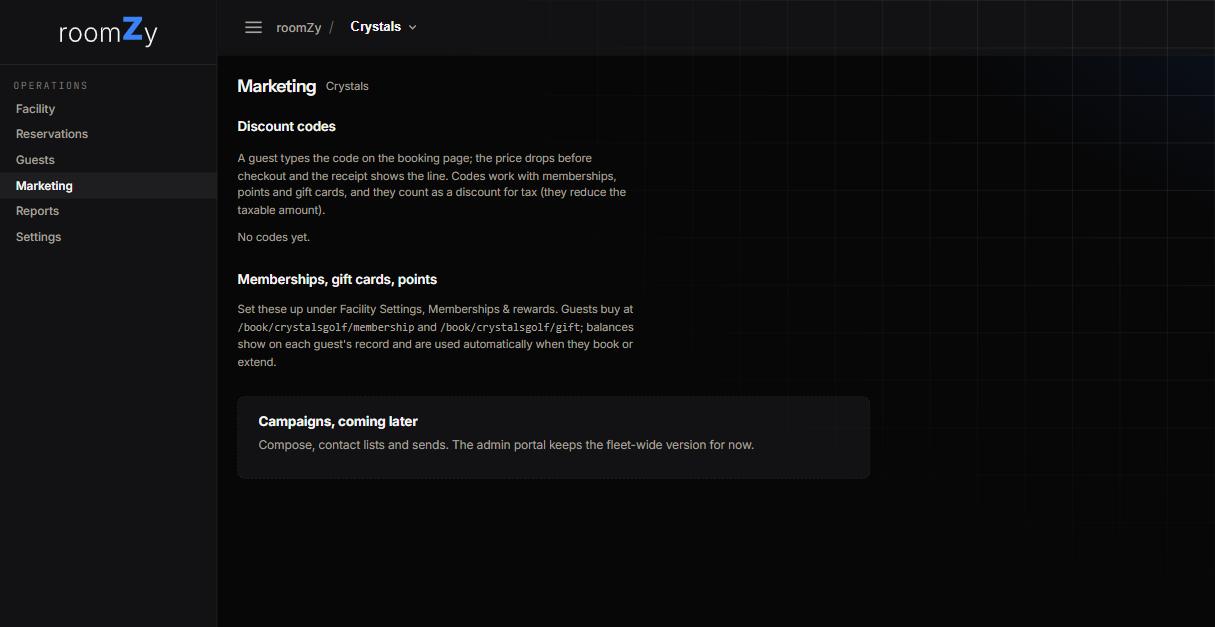
Marketing — discount codes, plus pointers to memberships, gift cards, and points.
Discount codes
How they work
- Create a code as percent off, a fixed amount, or free minutes.
- Limit it by a valid date window, to a customer's first visit, or with a usage cap.
- A guest types it into the Discount or gift code box while booking; the price drops before checkout and the saving shows on the receipt.
- Codes reduce the taxable amount and work alongside a guest's membership, points, or gift balance.
The customer's-eye view is here: Using a discount code.
Memberships, gift cards & points
These are set up under Settings → Payments (the Memberships, gift cards & points card). Once configured, guests can buy a membership or gift card online, and balances show on each guest's record and apply automatically when they book or extend. Guests can see and spend a balance after signing in — see Booking with a balance.
Email campaigns
Composing contact lists and sending campaigns is coming to this screen; for now the fleet-wide tooling lives in the roomZy admin portal — ask us if you want a blast sent.
roomZy
Questions? Email support@roomzy.io.